Calendar Appointments
Automatic Booking.
Turn More Visitors Into Booked Appointments
Give customers an easy way to book services anytime, from any device. Our smart scheduling system automates confirmations, reminders, and calendar management so you can spend less time scheduling and more time growing your business.


Websites

Local SEO

AI Chat

Appointments

Lead Funnels

Automation
Turn More Vistors into Booked Appointments
Best Booking Calendar for Small Business Website
Every plan includes setup, optimization, AI support, and unlimited updates. No contracts. Cancel anytime.
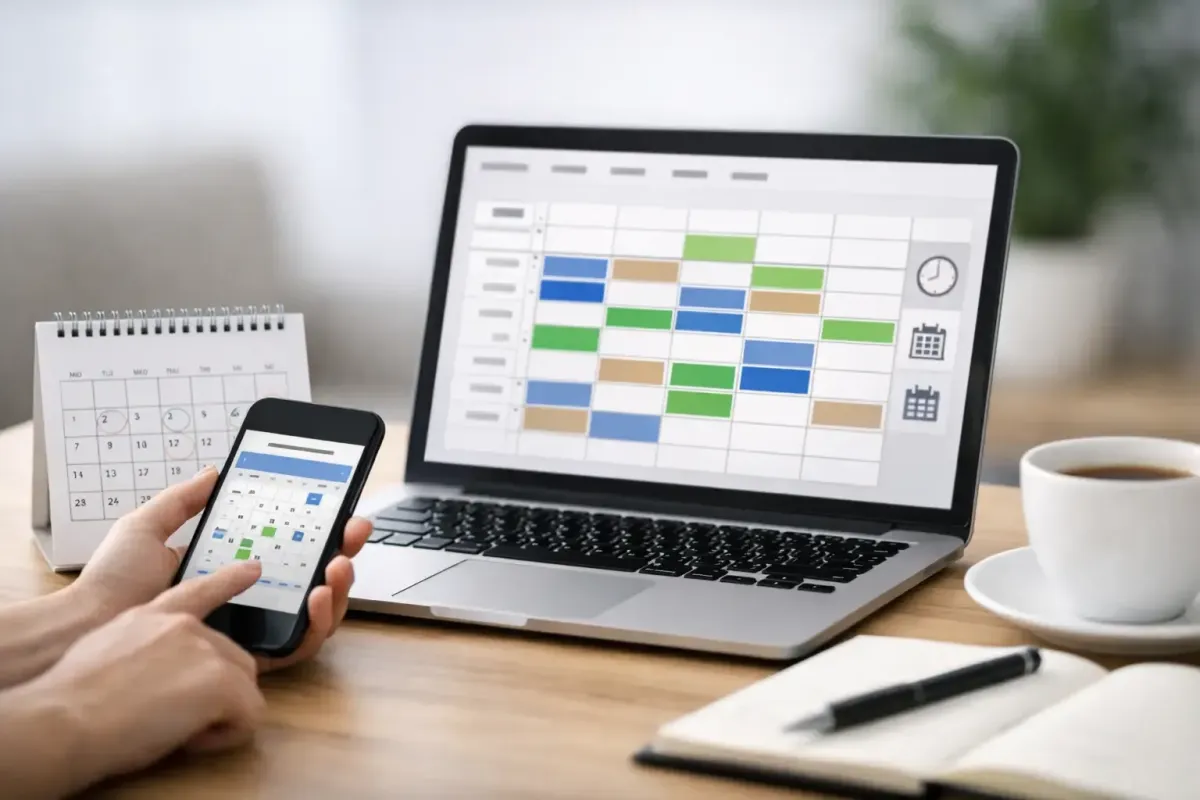
A visitor lands on your website at 8:47 PM, needs service fast, and is ready to book. If your only option is a phone number and a contact form, there is a good chance that lead waits, gets distracted, or hires somebody else before morning. A booking calendar for small business website performance changes that equation. It gives buyers a clear next step, captures intent while it is hot, and keeps your business moving even when your office is closed.
For local service businesses, that matters more than most owners realize. HVAC companies, plumbers, electricians, bookkeepers, and home service contractors do not lose revenue only because of bad marketing. They also lose revenue because the handoff after the click is weak. A strong website gets attention. A strong booking system turns that attention into scheduled work.
Why a booking calendar matters more than a contact form
Most small business websites still treat scheduling like an afterthought. They ask visitors to call, send an email, or fill out a generic form and wait. That sounds simple, but it creates friction at the exact moment someone wants to act.
A booking calendar removes that delay. Instead of hoping a prospect calls during office hours, you let them select a time, submit their information, and commit to the next step right away. That one change improves lead conversion because it reduces hesitation. People are far more likely to book when the path is obvious.
There is another layer here. A contact form creates work for your team. Someone has to check it, call back, play phone tag, and manually confirm a time. A calendar cuts out a big part of that back-and-forth. That saves staff time, but more importantly, it speeds up response. In competitive local markets, speed often wins the deal.
What the best booking calendar for small business website use should actually do
A lot of business owners hear "booking calendar" and think of a simple date picker. That is not enough. If the calendar is going to drive revenue, it has to function like part of your sales system, not a standalone widget.
First, it needs to be easy to use on mobile. A large share of local traffic comes from phones, especially when someone has an urgent need. If the calendar is clunky, slow, or hard to read, conversions drop fast.
Second, it should connect directly to your follow-up process. Once a person books, they should receive immediate confirmation, reminder messages, and any next-step instructions without your team manually sending each one. If your calendar is isolated from your CRM, text messaging, and email automation, you are still patching together tools instead of building a real operating system.
Third, it should let you control availability in a practical way. A plumber and a bookkeeper do not schedule the same way. Some businesses need fixed appointment slots. Others need buffers between jobs, service-type based availability, or round-robin assignment between staff members. The right setup depends on your operation.
Fourth, it needs to support lead capture before the appointment. That means collecting the right details up front, such as service type, address, preferred contact method, or project scope. Better intake means better qualification. Better qualification means fewer wasted appointments.
A booking calendar is not just for appointments
This is where many businesses undersell the tool. A booking calendar for small business website growth can serve multiple roles depending on how you sell.
For a contractor, it can handle estimate requests and on-site consultations. For a med spa or salon, it can manage direct service appointments. For a bookkeeping firm, it can schedule discovery calls. For a roofer or remodeler, it may work best as a qualification gate that books only serious prospects into a sales conversation.
That distinction matters. Not every visitor should get the same calendar. Someone requesting emergency HVAC service has different urgency than someone pricing a future renovation. If your website sends every lead to the same scheduling flow, you may create confusion or overload your team with the wrong appointments.
A smarter approach is to match the calendar to the intent of the visitor. High-intent service pages can push direct booking. Broader informational pages may offer consultation scheduling. Paid traffic may need a tighter, conversion-focused booking flow than organic traffic from SEO. It depends on how your business closes deals.
Where small businesses get this wrong
The most common mistake is adding a calendar and assuming the job is done. It is not. A poorly implemented booking tool can create just as many problems as it solves.
One issue is overbooking or unrealistic availability. If your site lets people schedule times your team cannot actually support, you create frustration before the job even starts. That leads to reschedules, cancellations, and a poor first impression.
Another issue is weak follow-up. If someone books and hears nothing else, no reminder, no confirmation, no prep instructions, no text update, your no-show rate climbs. The calendar should trigger communication automatically.
Then there is the software stack problem. Many businesses bolt on a separate scheduler, separate email platform, separate CRM, and separate lead form tool. Now data sits in four places, staff has to reconcile records manually, and reporting becomes unreliable. You may have a booking feature, but you do not have an efficient system.
This is exactly why integrated platforms are gaining traction with local service businesses. When the calendar is tied to the website, CRM, SMS, email, and pipeline, every booking becomes trackable and actionable. That is a major operational advantage.
How to choose the right booking calendar for your website
The best choice depends less on flashy features and more on how your business runs day to day. If you are an owner-operator with limited admin support, simplicity and automation should come first. You need something that books cleanly, confirms instantly, and keeps the workload off your plate.
If you have a growing team, look harder at routing, staff calendars, lead source tracking, and pipeline visibility. Once multiple people are involved, your scheduler needs to support operational control, not just appointment setting.
If your business depends heavily on local SEO and paid traffic, prioritize conversion. That means clear calls to action, mobile-first design, fast load time, and a booking flow that does not ask for too much too early. Every extra field can reduce completion rates. But too little information can lead to low-quality bookings. That balance matters.
You should also think about whether your sales process needs instant scheduling or qualification first. Some businesses make more money by letting almost everyone book. Others make more money by filtering before the calendar appears. There is no universal rule here. The right answer depends on your average job value, service area, and staff capacity.
Why integration beats another standalone tool
Small businesses do not need more logins. They need fewer gaps.
When your booking calendar lives inside a connected system, you can see where the lead came from, what page they visited, whether they replied to a text, whether they showed up, and whether they became revenue. That gives you real visibility into marketing performance.
It also gives your team leverage. Instead of manually chasing reminders or entering data twice, the system handles repetitive work in the background. That is how a business starts operating like a real growth company instead of reacting all day.
For companies in busy local markets like Detroit, Taylor, and surrounding Michigan areas, that speed and coordination can be the difference between owning your market and constantly losing jobs to faster competitors. A booking calendar is not magic by itself. But inside the right system, it becomes a practical revenue tool.
The website should book, not just inform
Your website should do more than explain what you offer. It should help prospects take action while their intent is strongest. That is why the booking experience deserves the same attention as your homepage design, SEO strategy, or ad campaigns.
If people are finding your business but not turning into appointments, the problem may not be traffic. It may be the lack of a clear, automated next step. A booking calendar fixes that when it is built around the way your business actually sells and serves.
Vertex Growth works with local service businesses that need more than a basic website. They need a system that captures leads, books appointments, follows up automatically, and keeps operations organized in one place. That is the difference between having online presence and having online performance.
If your current site is still depending on voicemail, contact forms, and manual callbacks, your competitors have an opening. Give people a faster way to book, and give your team a better way to grow.
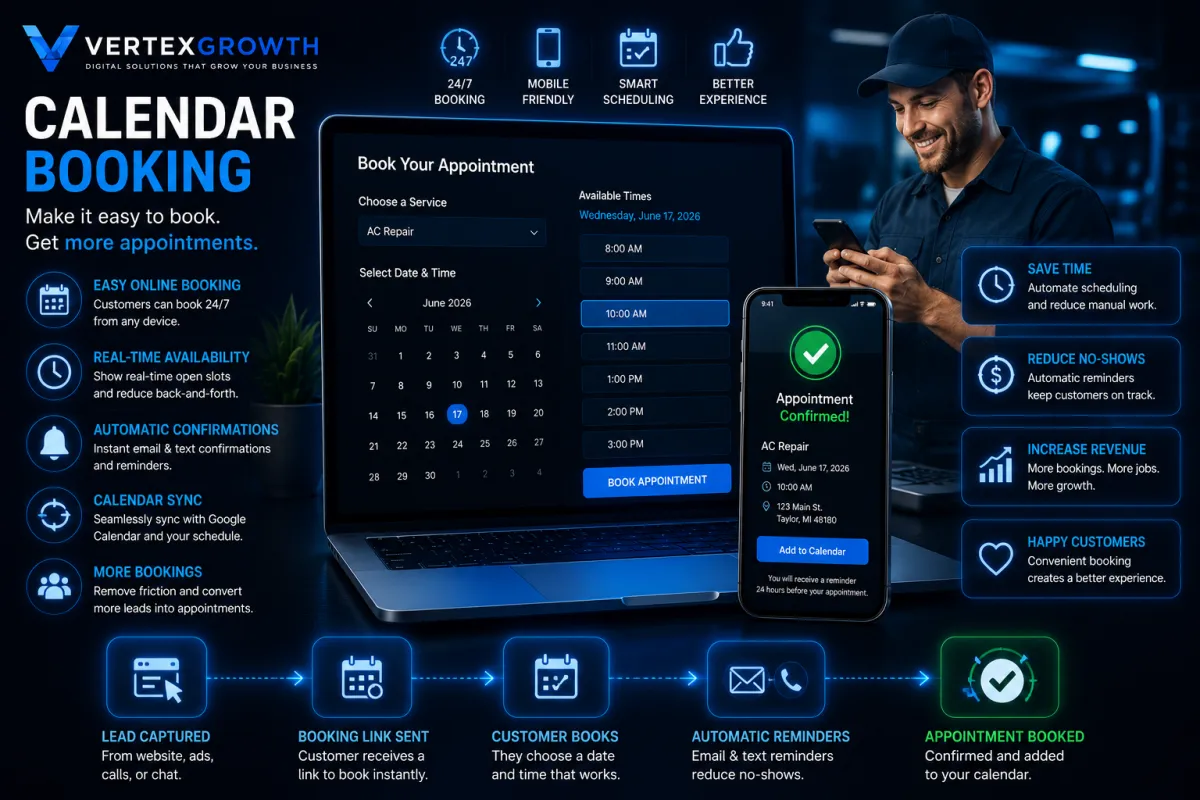
Calendar Automation
Calendar Booking
Made Easy.
Let customers schedule appointments online 24/7 with real-time availability, automatic confirmations, and reminders that reduce no-shows and keep your calendar full.
Easy Online Booking
Real Time Availability
More Bookings
Save Time
Reduce No-Show
Automatic Confirmation
Helping Local Businesses Grow Every Day






What Our Clients Are Saying
Frequently Asked Questions
Do I have to sign a contract?
No. Every plan is month-to-month and you can cancel anytime.
How long does it take to build my website?
Most websites are completed within 7–14 business days.
Does the AI Receptionist answer calls?
Yes. It answers calls, texts, website chats, qualifies leads, and books appointments.
Can I keep my existing website?
Absolutely. We can improve your current website or build a completely new one.
Will my business show up on Google?
Yes. Every plan includes Google Business Profile optimization and Local SEO.
Do you provide support?
Yes. We provide ongoing updates, maintenance, hosting, and technical support.
Can I upgrade later?
Absolutely. You can upgrade to Rapid Growth or Accelerated Growth at any time.